
Let me tell you something I wish someone had told me when I started: productivity tools for small businesses are not about using more software. They’re about using fewer tools, but the right ones.
When I first started managing a small team, I had 11 different apps running simultaneously. Task management in one place, notes in another, emails in a third, client communication in a fourth. I was spending more time managing my tools than actually working. My ‘productivity stack’ was making me less productive.
Over two years of testing, switching, and finally settling, I’ve narrowed it down to 9 tools that genuinely move the needle for small businesses. These aren’t tools I read about — these are tools I’ve personally used, broken, rebuilt workflows around, and watched save real hours every week. So, here’s the honest guide
| Quick rule before we dive in: You don’t need all 9 of these. Most small businesses need 4-5 tools max. Read this guide, pick what solves your specific pain, and ignore the rest. Adding tools you don’t fully use is just expensive noise. |
Productivity Tools for Small Businesses Quick Comparison
Here’s the full list at a glance before we get into each one:
| Tool | Category | Free Plan | Paid From | Best For |
| ClickUp | Project Mgmt | ✅ Generous | $7/user/mo | Tasks + docs + time in one |
| Google Workspace | Productivity Suite | ✅ Personal | $6/user/mo | Email + docs + meetings |
| MailerLite | Email Marketing | ✅ 500 subs | $10/mo | Email campaigns + automation |
| Notion | Docs + Wiki | ✅ Personal | $10/user/mo | Team knowledge base |
| Slack | Communication | ✅ Limited | $7.25/user/mo | Team messaging |
| Brevo | Email + CRM | ✅ Unlimited | $9/month | Email + basic CRM combined |
| Loom | Async Video | ✅ 25 videos | $12.50/user/mo | Video updates without meetings |
| Canva | Design | ✅ Good free | $12.99/mo | Quick graphics, social media |
| Zapier | Automation | ✅ 5 zaps | $19.99/mo | Connect all your tools |
1. ClickUp — Best All-in-One Productivity Tool for Small Businesses
If I had to pick just one productivity tool for a small business starting from scratch, it would be ClickUp. This is not because it’s the prettiest (it has a learning curve), but because it genuinely replaces 3-4 separate tools — tasks, docs, goals, and time tracking — in one free plan.
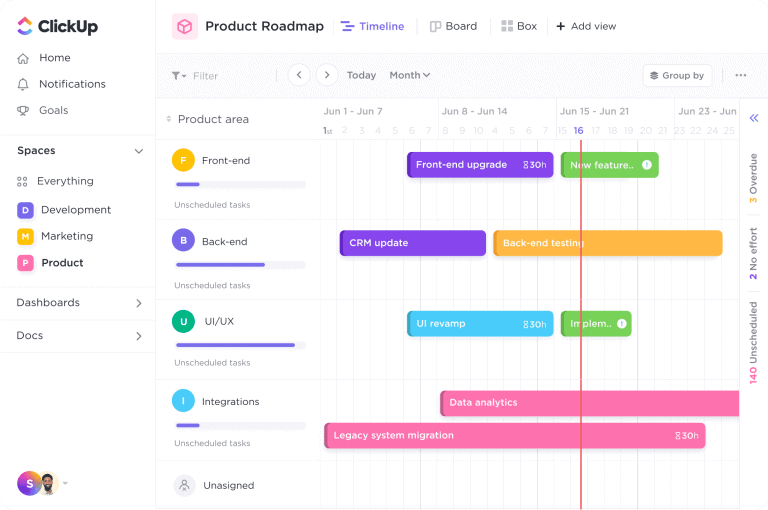
For example, I use ClickUp to manage every project at Tool Growth. Tasks are assigned, deadlines are visible, and nobody can claim they didn’t know what they were supposed to work on. The free plan is genuinely useful for teams of up to 5-10 people. When I upgraded to paid at $7/user/month, the main thing I gained was automation — which saved about 2 hours per week in repetitive task assignments.
| In my experience: Give ClickUp 2 weeks before judging it. Week one is setup and confusion. However, week two is ‘wait, this is actually great.” I’ve seen the same pattern with every team I’ve recommended it to. |
Comparing ClickUp with other PM tools? See our full best project management tools for small businesses in 2026 guide — with pricing, free plans, and clear recommendations.
2. Google Workspace — The Productivity Foundation Every Small Business Needs
First of all, Google Workspace at $6″/user/month is the best value productivity investment a small business can make. You get custom email (yourname@yourbusiness.com), Google Docs with real-time collaboration, Drive with 30GB storage, Meet for video calls, and Calendar — all integrated seamlessly.
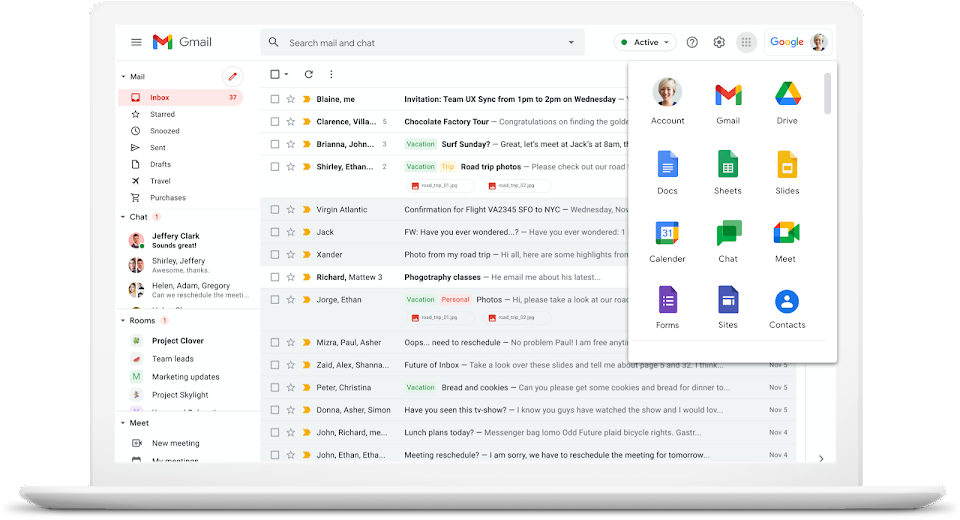
Before I moved to Google Workspace, my team was using free Gmail, sharing Google Docs through personal accounts, and scheduling calls through three different apps. As a result, switching took one afternoon and immediately made everything feel more professional — clients noticed the custom email domain within a week.
- $6/user/month covers email + docs + meetings + storage
- Real-time collaboration — multiple people editing the same doc simultaneously
- Integrates with everything — Slack, ClickUp, Zoom, and 500+ other tools
- Mobile apps are excellent — work properly from your phone
3. MailerLite — Best Email Marketing Productivity Tool for Small Businesses
Now, email marketing is a productivity tool — stay with me here. If you’re manually following up with every lead, sending individual emails to your newsletter list, and writing one-off responses to customer questions — you’re wasting hours every week. MailerLite automates all of that.
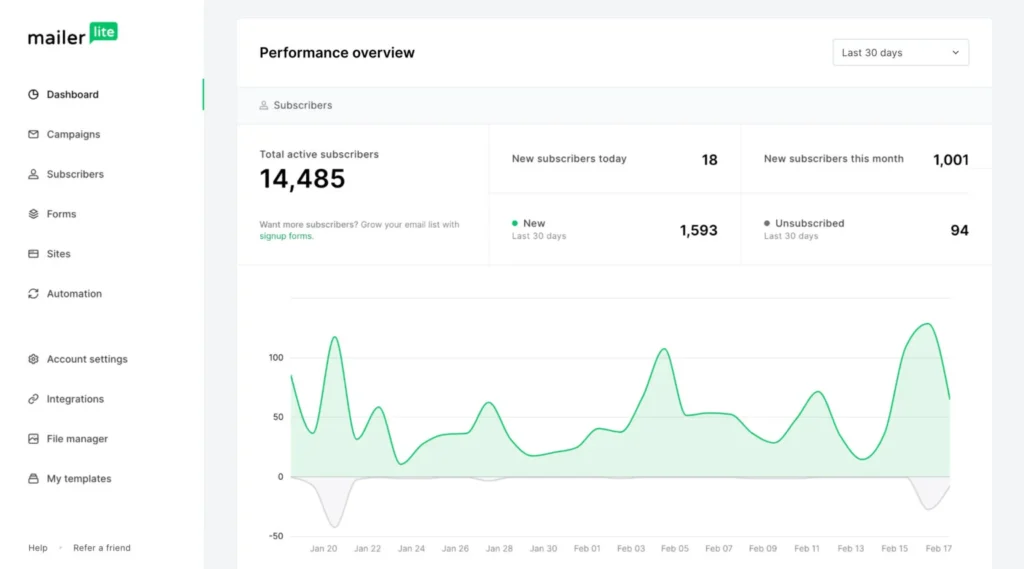
I set up a 3-email welcome automation in MailerLite that runs every time someone joins the Tool Growth newsletter. It took 2 hours to write and set up. However, now it works 24/7 without any input from me. That’s real productivity — time I invested once that pays back forever.
| MailerLite’s free plan covers up to 500 subscribers and includes automation. For a small business just starting email marketing, that’s everything you need to launch without paying anything. |
Before you sign up, read our full MailerLite review 2026 — covering the free plan, automation, pricing, and everything small businesses need to know.
4. Notion — Best Documentation and Knowledge Base Tool
In fact, the biggest productivity killer in small businesses isn’t lack of tools — it’s lost information. Procedures nobody wrote down. Onboarding that takes weeks because nothing is documented. Decisions made in WhatsApp messages that nobody can find two months later.
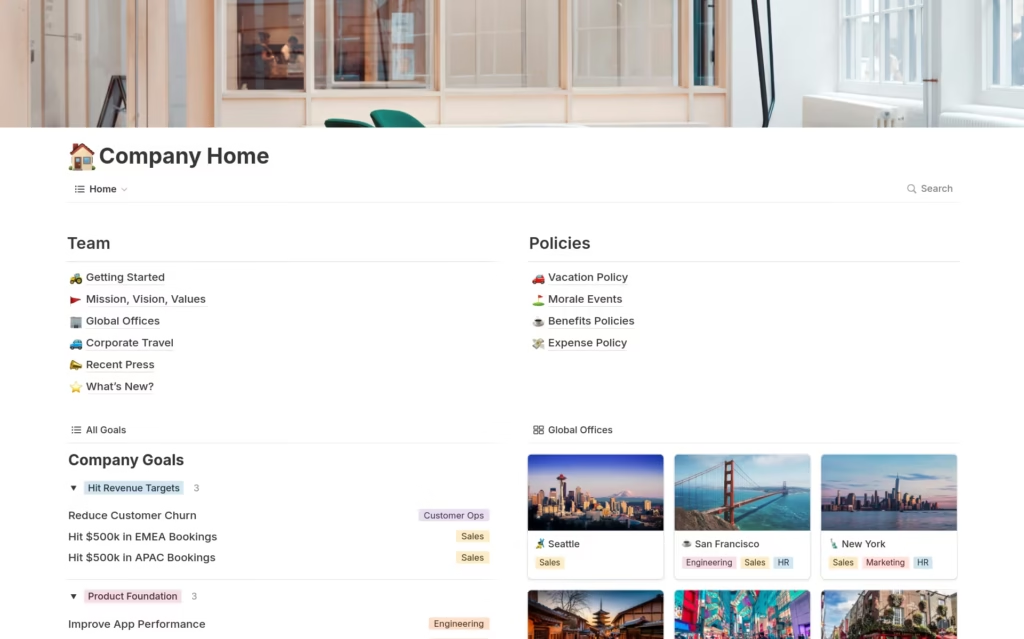
Fortunately, Notion solves this. Specifically, it’s a wiki note-taking app, and document builder all in one. At Tool Growth, every process we follow lives in Notion — from how we publish a blog post to how we onboard a new writer. Therefore, when someone new joins, they can self-serve 80% of their questions from Notion without asking me anything. That alone saves hours every month.
- Free plan works well for individual use and small teams
- $10/user/month Plus plan adds team spaces and admin controls
- Notion AI can summarize long docs and answer questions about your content
- Works best alongside ClickUp — Notion for docs, ClickUp for tasks
5. Brevo — Best Email + CRM Productivity Combo for Small Businesses
If your small business needs both email marketing AND basic customer/lead management, Brevo is worth serious attention. It combines an email marketing platform with a CRM in one tool — meaning you’re not paying for and switching between two separate apps.
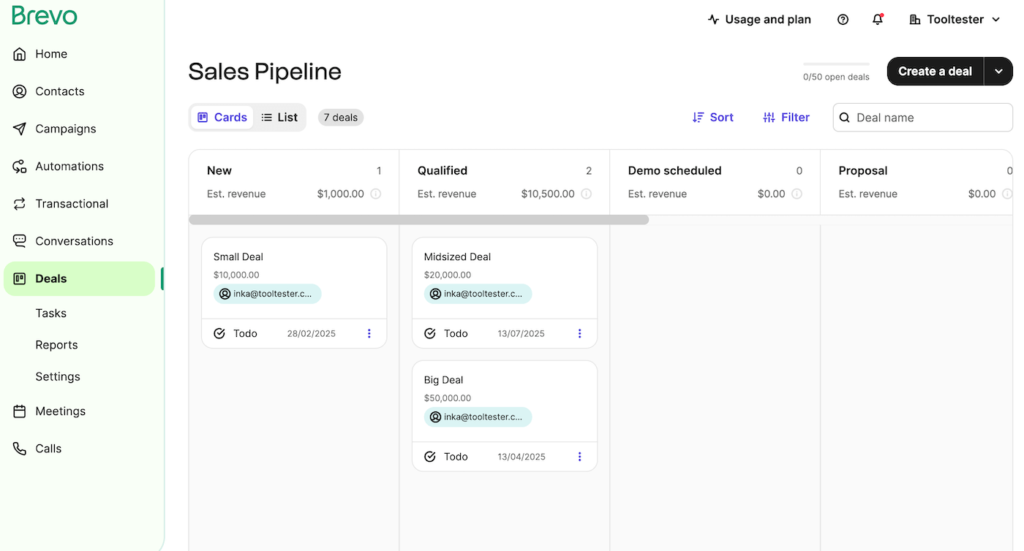
Additionally, the Free Plan includes unlimited contact storage, 300 emails per day, basic deal tracking, and a pipeline manager. For a small business managing a list of 500-2,000 contacts and a handful of open deals simultaneously, that combination is genuinely rare at zero cost.
Thinking about Brevo? Our honest Brevo review 2026 covers exactly what you get on the free plan, the upgrade costs, and whether it’s worth switching from Mailchimp or MailerLite.
6-9. More Productivity Tools Worth Knowing
Slack — For Team Communication
Once your team hits 3+ people and WhatsApp becomes chaos, Slack is the upgrade you need. Furthermore, it offers organized channels, searchable message history, and 2,600+ integrations with other tools. The free plan is workable, paid starts at $7.25/user/month. My team switched from WhatsApp to Slack about 18 months ago and I’ll never go back.
Loom — For Async Video Updates
Instead of scheduling a 30-minute meeting to explain something, record a 3-minute Loom video and send the link. As a result, my team went from 8 internal meetings per week to 4 after adopting Loom. Free plan gives 25 videos — more than enough to test it properly. This tool alone probably saved me 3 hours per week once the team got used to async communication.
Canva — For Quick Design
Small businesses constantly need graphics — social media posts, email headers, presentation slides, thumbnails. Canva’s free plan covers 90% of this without needing a designer.In fact, I use it for all Tool Growth featured images and social posts. The paid plan ($12.99/month) adds brand kits and removes the watermark on premium elements — worth it once you’re publishing consistently.
Zapier — For Connecting Everything
Zapier is the glue that connects your tools. New email subscriber in MailerLite? Zapier automatically adds them to your CRM. New task created in ClickUp? Zapier sends a Slack message to the relevant team member. Moreover, you set these automations up once and they run forever. Free plan gives 5 automations — enough to start seeing the value. Paid starts at $19.99/month when you need more.
My Actual Productivity Tools Stack for a Small Business — What I Use Daily
People always ask me what I actually use at Tool Growth, not just what I recommend. Here’s the honest answer
My Daily Stack For a 3-5 Person Small Business
- 🟢 ClickUp — tasks, projects, deadlines, time tracking (free plan)
- 🟢 Google Workspace — email, docs, calendar, meetings ($6/user/month)
- 🟢 MailerLite — email newsletter and automation (free plan)
- 🟢 Notion — documentation, SOPs, blog planning ($10/user/month)
- 🟢 Slack — team communication (free plan works fine for small teams)
- 🟢 Loom — async video for feedback and walkthroughs (free plan)
- 🟢 Canva — blog images and social posts (free plan)
| Total cost for a 3-person team: Google Workspace ($18/month) + Notion ($30/month) = $48/month. Everything else is free. That’s a complete, professional small business productivity stack for less than the cost of one business lunch. |
Productivity Tools for Small Businesses — Quick FAQs
The non-negotiables are: one project management tool (ClickUp or Asana), one email/productivity suite (Google Workspace), and one communication tool (Slack). However, everything else is optional and should only be added when you have a specific problem to solve. Start with these three and build from there.
Yes — for most small businesses, free plans are completely sufficient to start and often for the first 6-12 months of operation. ClickUp Free, Slack Free, Notion Free, MailerLite Free, and Loom Free together give you a genuinely powerful productivity stack at zero cost. The paid upgrades are worth considering only when you hit the specific limitations — not before.
In my experience, 4-5 tools used consistently beats 10 tools used partially. Therefore, the goal is depth of use, not breadth. Most small businesses need: project management, email/docs, communication, and email marketing. That’s it. Adding more tools without fully adopting the existing ones just creates more noise.
Final Verdict — Productivity Tools for Small Businesses in 2026
Two years ago, I was running 11 tools and feeling perpetually behind. Today I run 7 tools and feel on top of everything. However, the difference wasn’t working harder — it was choosing fewer, better tools and actually using them properly.
If I could give one piece of advice to every small business owner reading this: stop adding tools and start going deeper with the ones you already have. For instance, ClickUp alone, used properly, can replace your task manager, doc editor, time tracker, and goal tracker. MailerLite alone, used properly, can replace your newsletter tool and basic CRM. The power is already in front of you.
Start with Google Workspace + ClickUp Free. That’s it. Master those two tools completely. Then, when you hit a specific problem those two can’t solve — go shopping for the next tool. Simply put, not before.
| My 3-step productivity tool formula:1️⃣ Pick one tool per category (PM, Email, Communication, Docs)2️⃣ Use it for 60 days before evaluating3️⃣ Only add a new tool when you have a specific problem the current stack can’t solveSimple. But almost nobody actually does it. |
Running a remote team? Our dedicated guide to the best tools for remote teams in 2026 goes deeper on async communication, remote collaboration, and the exact setup for distributed teams.
Managing client relationships as part of your productivity stack? Our guide to the best CRM tools for small businesses in 2026 covers HubSpot Free, Zoho, Brevo, Pipedrive, and more