Running a small business means wearing a dozen hats at once. For small businesses, the right project management software can bring order to the chaos — and in 2026, the options have never been better or more affordable.
But with dozens of tools on the market, how do you know which one is right for your business? We’ve researched and analyzed the leading platforms — from Zoho Projects and monday.com to ClickUp and Asana — to bring you this definitive guide to the best project management tools for small businesses in 2026.
Quick Stat: Despite the project management software market growing at 15.65% CAGR through 2030, 14% of organizations are still planning with Excel — and 11% have no PM solution at all. If you’re in either camp, this guide is for you.
What to Look for in a PM Tool for Small Businesses
Not all project management platforms are built with small businesses in mind. Enterprise-grade tools can be bloated, expensive, and overly complex. Before diving into our picks, here’s what actually matters for SMBs
- Ease of use — Your team should be able to get up and running quickly, with minimal onboarding.
- Transparent pricing — No surprise fees. Predictable per-seat pricing is key when budgets are tight.
- Core features without bloat — Task management, timelines, collaboration, and reporting are the essentials.
- Scalability — The tool should grow with you, from 3 users to 30 and beyond.
- Integrations — It needs to connect with the tools you already use: Slack, Google Workspace, your CRM, etc.
- A free plan or trial — SMBs should be able to test before committing.
monday.com — Best All-Around Tool for SMBs
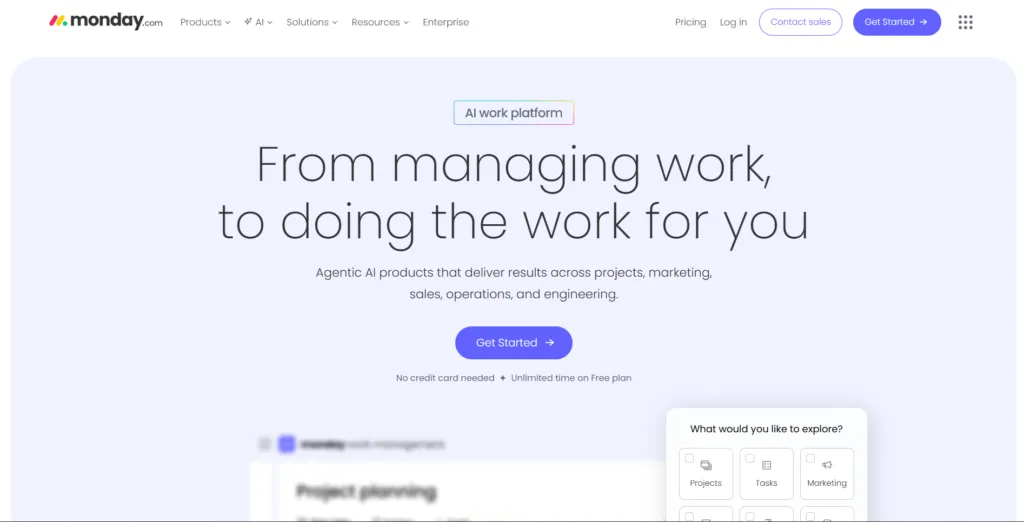
monday.com has firmly established itself as one of the most versatile project management platforms on the market, and its CRM capabilities make it especially compelling for small businesses managing both projects and sales pipelines in one place.
Its visual, drag-and-drop interface means teams can get started within hours, not days. The platform supports Kanban boards, Gantt/Timeline views, and calendar views, making it easy to see exactly where every project stands. Automations — available from the Standard plan onward — help eliminate repetitive work like status updates and task assignments.
monday CRM, the platform’s CRM product, is tightly integrated with its project management capabilities and lets small sales teams manage leads, track deals, and run email campaigns without switching tools. For SMBs that need both CRM and PM functionality, this is a standout advantage over most competitors.
- Pricing: Pricing: Starts at $12/user/month (Basic), $17 (Standard), $28 (Pro) — billed annually. Minimum 3 seats.
- Free plan: Free plan: No, but a 14-day free trial is available.
- Best for: Best for: Teams that want an intuitive, visually-driven experience and benefit from combined CRM + PM in one tool.
- Watch out for: Watch out for: No free plan and the 3-seat minimum can feel expensive for solo operators or very small teams.
Zoho Projects — Best Value for Budget-Conscious Teams
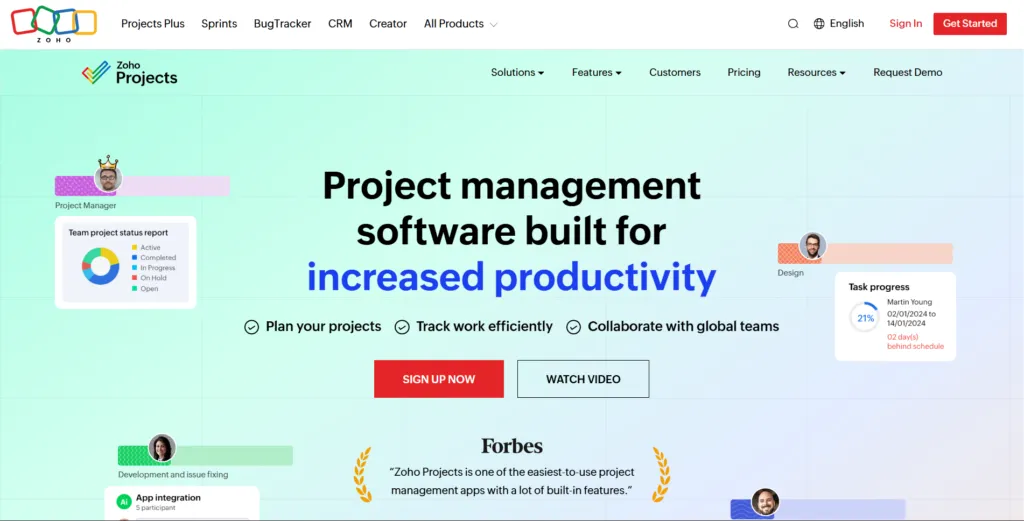
If you want enterprise-grade features without enterprise pricing, Zoho Projects is hard to beat. At just $4/user/month on the Premium plan, it offers an impressive depth of capability including unlimited projects, time tracking, Gantt charts, task dependencies, resource management, and even a built-in bug tracker.
Zoho Projects also benefits enormously from being part of the broader Zoho ecosystem. Businesses already using Zoho CRM, Zoho Books, or Zoho Invoice will find that Projects integrates seamlessly with those tools, creating a unified business platform at a fraction of the cost of competitors. The AI assistant, Zia, helps with task automation and insights, and the platform also supports integrations with OpenAI, Anthropic’s Claude, Google AI Studio, and Cohere.
The free plan (up to 3 users, 2–3 projects) makes it easy to get started, and the Premium plan’s low price point means even bootstrapped teams can access powerful functionality.
- Pricing: Pricing: Free (3 users), $4/user/mo (Premium), $9/user/mo (Enterprise) — billed annually.
- Free plan: Free plan: Yes — up to 3 users and 2–3 projects.
- Best for: Best for: Cost-conscious SMBs, especially those already in the Zoho ecosystem.
- Watch out for: Watch out for: The UI can feel less polished than competitors like monday.com or Asana, and some advanced features require the Enterprise tier.
ClickUp — Best for Power Users and Scaling Teams
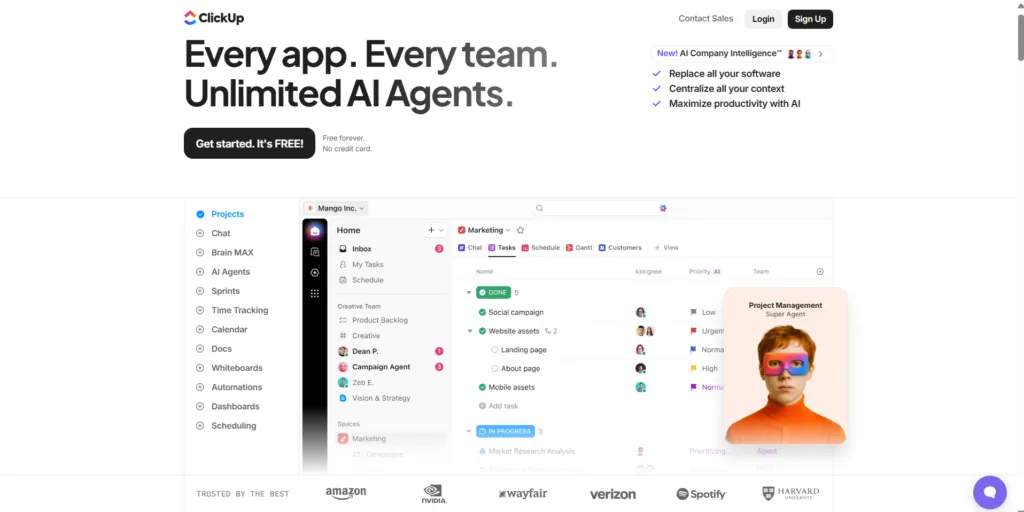
Few project management tools offer as much customization and flexibility as ClickUp. From multiple task views (list, board, Gantt, calendar, mind map, whiteboard) to fully customizable workflows, ClickUp can be tailored to almost any working style.
A generous free plan, competitive pricing (starting at $7/user/month), and strong AI features across paid tiers make it an excellent choice for SMBs that expect rapid growth and need a platform that can adapt as their processes mature.
- Pricing: Pricing: Free, $7/user/mo (Unlimited), $12/user/mo (Business) — billed annually.
- Free plan: Free plan: Yes, with unlimited tasks and users (with some feature limits).
- Best for: Best for: Teams that want maximum flexibility and are willing to invest time in setup.
- Watch out for: Watch out for: The sheer volume of features can be overwhelming for new users, and onboarding takes more time than simpler tools.
Asana — Best for Cross-Functional Teams
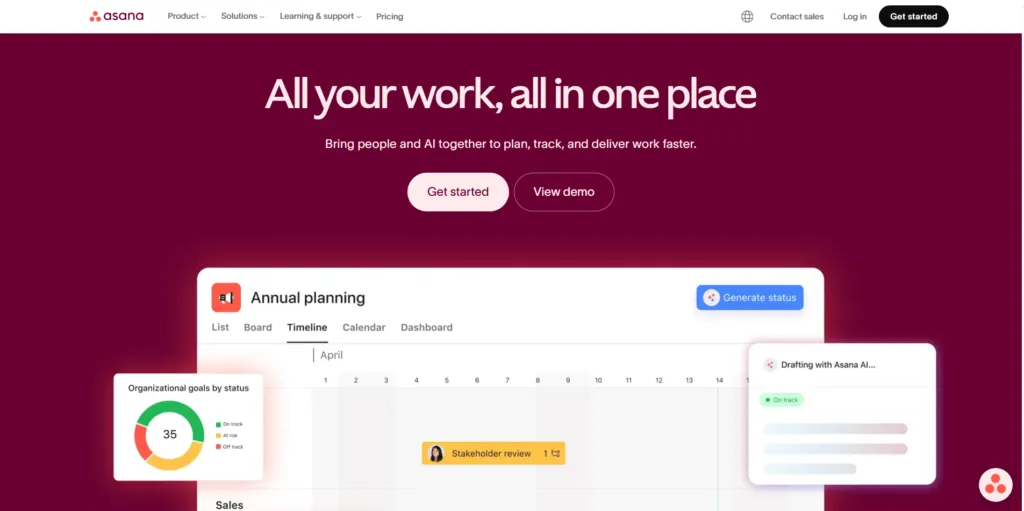
Among modern PM platforms, Asana stands out for its clean interface and beginner-friendly experience. Its clean interface, strong automation builder, and excellent timeline views make it a natural fit for teams managing multiple interconnected projects across departments. The free plan supports up to 15 users, making it one of the most generous free offerings available.
- Pricing: Pricing: Free (15 users), $10.99/user/mo (Starter), $24.99/user/mo (Advanced) — billed annually.
- Free plan: Free plan: Yes — up to 15 users.
- Best for: Best for: Marketing, operations, and product teams coordinating across functions.
- Watch out for: Watch out for: Gantt charts and timeline views are locked behind paid plans.
Trello — Best for Simple, Card-Based Workflows
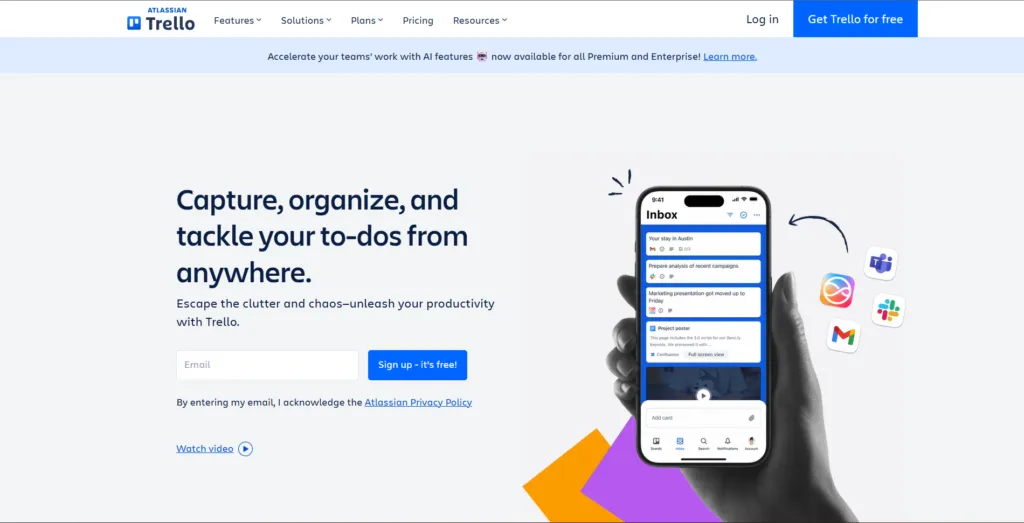
Trello’s card-and-board Kanban approach is the easiest to learn of any tool on this list. It’s ideal for small teams with straightforward workflows who don’t need complex dependencies or advanced reporting. The free plan is generous, and Power-Ups (add-ons) extend functionality significantly.
- Pricing: Pricing: Free, $5/user/mo (Standard), $10/user/mo (Premium) — billed annually.
- Free plan: Free plan: Yes.
- Best for: Best for: Very small teams or solo operators who need a lightweight visual task manager.
- Watch out for: Watch out for: Trello can feel limiting as team complexity grows — it’s a starter tool, not a long-term enterprise solution.
Read our full Trello Review 2026 for a complete breakdown of features and pricing.
Jira — Best for Software Development Teams
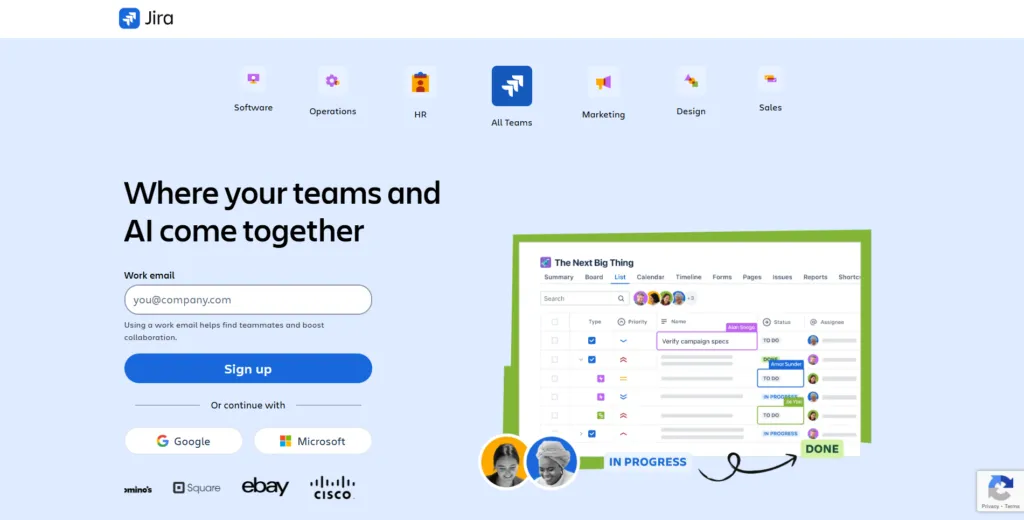
For Agile and Scrum workflows, few tools are as powerful as Jira for software development teams. Its sprint planning, backlog management, and issue tracking capabilities are unmatched. While it has a steeper learning curve than most tools here, its free plan (up to 10 users) and strong ecosystem of integrations make it a solid choice for tech SMBs.
- Pricing: Pricing: Free (10 users), $8.15/user/mo (Standard), $16/user/mo (Premium) — billed annually.
- Free plan: Free plan: Yes — up to 10 users.
- Best for: Best for: Software/dev teams running Agile sprints.
- Watch out for: Watch out for: Non-technical teams often find Jira overly complex and rigid.
Notion — Best for Teams Blending Docs and Projects
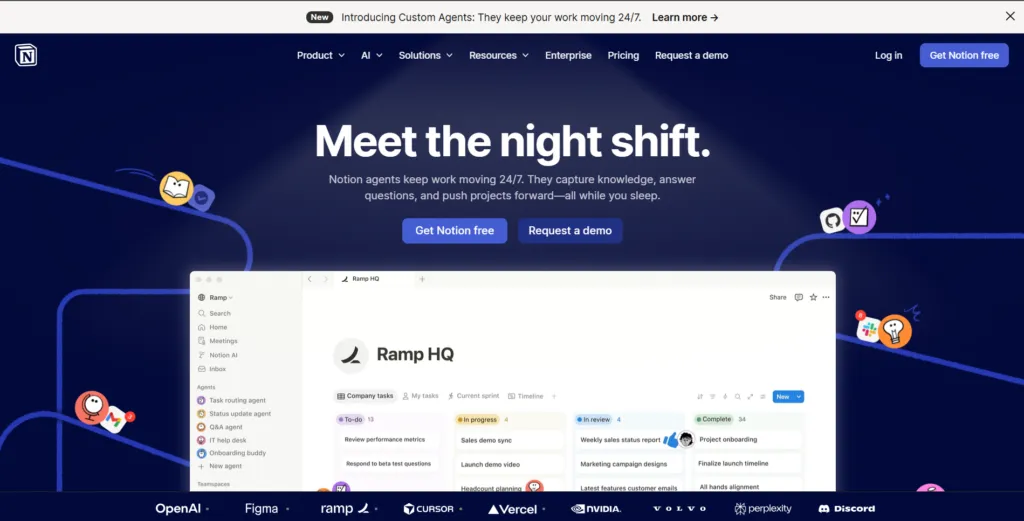
Unlike traditional PM tools, Notion combines documentation, knowledge management, and project tracking in one workspace. If your team struggles with scattered documentation and disconnected project tracking, Notion brings everything into one flexible workspace. Its database views allow task management in Kanban, table, calendar, and gallery formats.
- Pricing: Pricing: Free, $10/user/mo (Plus), $15/user/mo (Business) — billed annually.
- Free plan: Free plan: Yes.
- Best for: Best for: Knowledge-heavy teams, content creators, and startups that want a unified workspace.
- Watch out for: Watch out for: It requires more setup than dedicated PM tools and lacks some advanced project tracking features like Gantt charts natively.
Read our in-depth Notion Review 2026 to see if it fits your workflow.
Side-by-Side Comparison for SMB teams
Use this quick-reference table to compare the top tools at a glance:
| Tool | Best For | Free Plan | Starting Price | Standout Feature |
| monday.com | All-around SMB use | No (14-day trial) | $12/user/mo | Visual pipelines, CRM + PM combo |
| Zoho Projects | Budget-conscious teams | Yes (3 users) | $4/user/mo | Deepest feature set for the price |
| ClickUp | Power users & scaling teams | Yes | $7/user/mo | Highly customizable; AI tools |
| Asana | Cross-functional teams | Yes (15 users) | $10.99/user/mo | Clean UI, strong automations |
| Trello | Simple Kanban workflows | Yes | $5/user/mo | Easiest to learn; card-based |
| Jira | Software/dev teams | Yes (10 users) | $8.15/user/mo | Best Agile/Scrum support |
| Notion | Docs + project hybrid | Yes | $10/user/mo | Wiki + project management |
How to Choose the Right Project Management Tool for Startups
There’s no single “best” project management tool — the right choice depends on your team size, budget, industry, and workflow style. Here’s a practical decision framework:
- You need CRM + PM in one place: You need CRM + project management in one place Go with monday.com.
- Budget is tight: Your budget is tight and you need serious features Zoho Projects is unbeatable value.
- You want maximum customization: You want maximum customization and don’t mind complexity ClickUp.
- Large cross-functional team: Your team is large and cross-functional Asana’s clean interface will serve you well.
- You need simplicity, fast: You just need simple task tracking fast Trello gets you up in minutes.
- Software/dev team: You’re a software development team running sprints Jira is still king.
- Docs + projects hybrid: You need a hub for docs AND projects Notion brings it all together.
| Pro Tip: Most of these tools offer free plans or trials. We recommend signing up for 2–3 options and spending a week with each before committing. The tool your team actually adopts is always better than the theoretically superior one they don’t use. |
Final Thoughts Which Tool Is Best for Growing Businesses?
The project management software landscape in 2026 is mature, competitive, and overall genuinely excellent for small businesses. In fact, whether you have a team of 2 or 25, there is a tool on this list that will help you plan better, collaborate more effectively, and ultimately deliver results on time.
First and foremost, our top recommendation for most small businesses is monday.com, thanks to its balance of ease-of-use, visual power, and combined CRM capability. However, if budget is a primary concern, Zoho Projects offers remarkable depth at a price no competitor can match. Similarly, if your team runs on documentation as much as tasks, Notion’s hybrid approach may be exactly what you need.
In conclusion, whatever you choose, the most important step is simply to start. Therefore, pick a tool, migrate your projects, and commit to using it consistently. As a result, your future self Once your pipeline is running, pairing it with the right email marketing tool makes all the difference — we’ve covered the best options in our dedicated guide.
🔍 How We Tested This Tool
Every tool on Tool Growth is tested hands-on using real accounts — not marketing materials. We follow an 8-step review process before publishing.