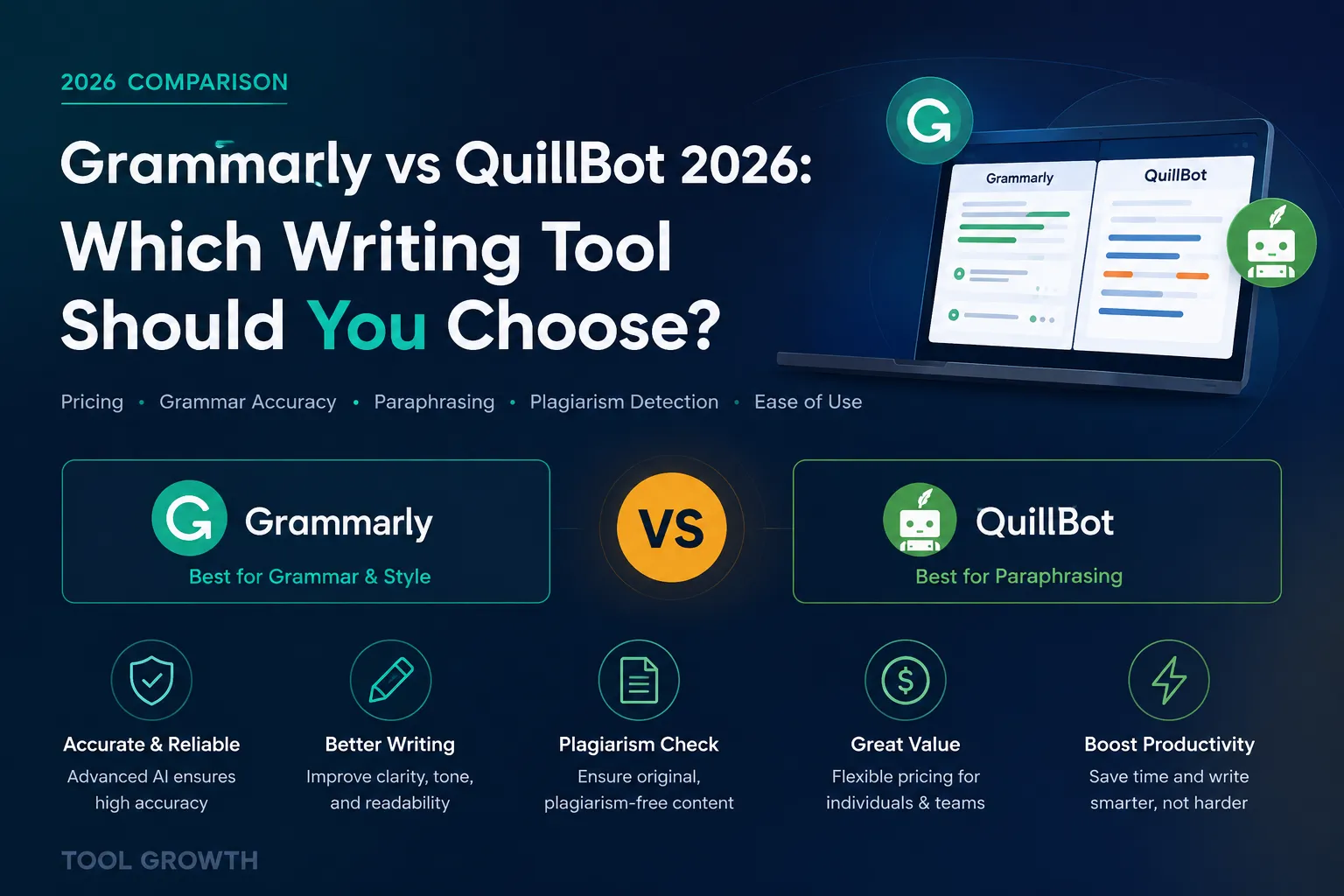
Comparing Grammarly vs QuillBot usually comes down to one question: do you need an editor, or do you need a rewriter? Grammarly built its name catching grammar mistakes and polishing tone. QuillBot made paraphrasing its specialty. This Grammarly vs QuillBot comparison breaks down real 2026 pricing, grammar accuracy, paraphrasing quality, and plagiarism detection — verified from official pricing pages this month — so you know exactly which tool fits how you actually write.
Quick Verdict:
👉 Choose Grammarly if: you want an always-on grammar and tone coach for original writing, emails, and documents.
👉 Choose QuillBot if: you rework existing text often — paraphrasing, summarizing, or rewriting drafts — and want the lower price.
💡 Many writers use both: Grammarly’s free plan for grammar checking, QuillBot Premium for paraphrasing. All pricing verified from official pricing pages as of August 2026.
Grammarly vs QuillBot at a Glance
Before the deep dive, here’s how Grammarly and QuillBot stack up on the basics.
| Category | Grammarly | QuillBot |
|---|---|---|
| Best for | Grammar, tone, and original writing | Paraphrasing and rewriting |
| Starting price (annual) | $12/mo (Pro) | $10/mo (Premium) |
| Monthly billing | $30/mo | $19.95/mo |
| Free plan | Yes — 100 AI prompts/mo | Yes — 125-word paraphrasing |
| Plagiarism checker | Unlimited (Pro) | 25,000 words/mo (Premium) |
| Paraphrasing modes | Basic sentence rewrites | 9 modes + custom modes |
| G2 rating | 4.7/5 | 4.4/5 |
Grammarly vs QuillBot Pricing in 2026
Verdict: QuillBot is the cheaper tool on paper, but the real gap depends on billing cycle — and one number has quietly moved this year.
Grammarly’s pricing is straightforward. As of August 2026, the Free plan costs $0/month and includes 100 AI prompts. Pro costs $12/month when billed annually ($144/year), or $30/month billed monthly, and raises the AI prompt allowance to 2,000/month while unlocking full-sentence rewrites, tone adjustment, unlimited plagiarism detection, and AI-generated text detection. Enterprise is custom-priced through Superhuman Go, Grammarly’s parent platform.
QuillBot’s pricing looks similar at first glance, but there’s a catch worth flagging. Its Free plan is also $0/month, capped at 125-word paraphrasing and basic grammar checking. However, QuillBot’s official pricing page currently lists Premium at $10.00/month billed annually (shown as a 50% discount off the $19.95/month rate) — that’s $120/year, not the $99.95/year ($8.33/month) figure that’s still widely quoted across review sites and comparison articles. Always check QuillBot’s official pricing page directly before publishing a final number, since this kind of quiet increase is easy to miss.
Therefore, on a strict monthly-vs-annual comparison, QuillBot Premium ($10/mo) still undercuts Grammarly Pro ($12/mo) — just by a smaller margin than most 2026 roundups suggest. QuillBot also offers a Team plan with volume discounts starting around 5 members, while Grammarly’s Business tier runs from roughly $15/seat/month. Neither company publishes a straightforward “cheapest per feature” answer, so the real decision comes down to which features you’ll actually use daily.
💡 Key insight: if you only need grammar checking, Grammarly’s free plan alone often out-performs QuillBot’s free tier. If you paraphrase or rewrite regularly, QuillBot Premium’s unlimited paraphrasing justifies its price faster than Grammarly Pro’s more limited rewrite feature.
Grammar Checking — Which Catches More Errors?
Verdict: Grammarly remains the stronger dedicated grammar checker — QuillBot’s checker is solid, but it’s a supporting feature, not the main event.
Grammarly’s suggestions go beyond spotting typos. It explains why a sentence is unclear, flags tone mismatches, and offers full-sentence rewrites on Pro — the kind of nuanced feedback that comes from years of being built as a grammar-first product.
QuillBot’s grammar checker has genuinely improved and is included even on the free plan. However, independent comparisons are mixed on raw accuracy — QuillBot’s own testing claims an edge in certain error categories, while most third-party reviewers still rate Grammarly’s suggestions as more detailed and context-aware overall. For anyone whose main job is proofreading original writing, Grammarly is the safer default.
Paraphrasing & Rewriting — Which Wins?
Verdict: QuillBot wins here decisively — it’s the tool’s entire reason for existing.
QuillBot Premium offers 9 built-in paraphrasing modes (Standard, Fluency, Formal, Creative, and more) plus unlimited custom modes, a synonym slider, and the ability to compare modes side by side. Paraphrasing works in 23 languages, with translation covering 40+.
Grammarly’s rewrite feature, by contrast, works at the sentence level as part of its broader editing suggestions — useful for tightening a clunky line, but not built for reworking whole paragraphs or documents the way QuillBot is. If paraphrasing is your main task, QuillBot is purpose-built for it; Grammarly treats it as one feature among many.
Plagiarism & AI Detection
Verdict: Grammarly’s plagiarism checker scans more broadly; QuillBot bundles AI detection into its free plan.
Grammarly Pro includes unlimited plagiarism checking against a large web-wide database, plus AI-generated text detection, both gated behind the paid plan. QuillBot’s Premium plan caps plagiarism checking at 25,000 words per month — generous for most single documents, but a real limit for high-volume checking. Notably, QuillBot’s AI detector is available even on its free tier, which Grammarly doesn’t offer.
One honest flag for students and content teams: neither tool’s paraphrasing reliably bypasses plagiarism or AI-detection software like Turnitin. Both are writing aids, not workarounds — treat any “detection bypass” claims from third-party sites with skepticism.
Which Is Better for Students?
Verdict: QuillBot edges ahead for students specifically, thanks to its citation generator, summarizer, and lower price — but Grammarly’s free grammar check is still worth running alongside it.
Students juggle a specific set of tasks: rewording dense academic sentences, summarizing long readings, generating citations, and catching accidental plagiarism before submission. QuillBot bundles all four into one subscription, plus support for non-native English writers reworking sentence structure. Grammarly’s strength for students is more general — catching grammar and clarity issues in essays, emails, and applications.
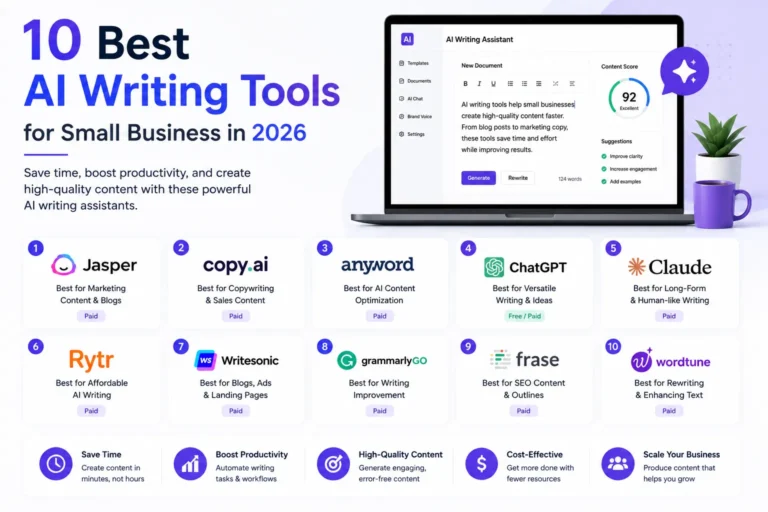
Many students end up running both: Grammarly’s free plan for a final grammar pass, QuillBot for paraphrasing dense source material and building citations. If you’re weighing other AI tools for coursework or content work beyond these two, our guide to the best ai writing tools covers generators like Jasper and ChatGPT alongside both of these.
Can You Use Grammarly and QuillBot Together?
Verdict: yes — and it’s a genuinely common workflow, not a compromise.
The two tools don’t compete as directly as the “vs” framing suggests. A common pattern: draft or paraphrase dense text in QuillBot first, then run the result through Grammarly for a final grammar, tone, and clarity pass. Both offer browser extensions and Google Docs integrations, so running them in sequence doesn’t require switching workflows.
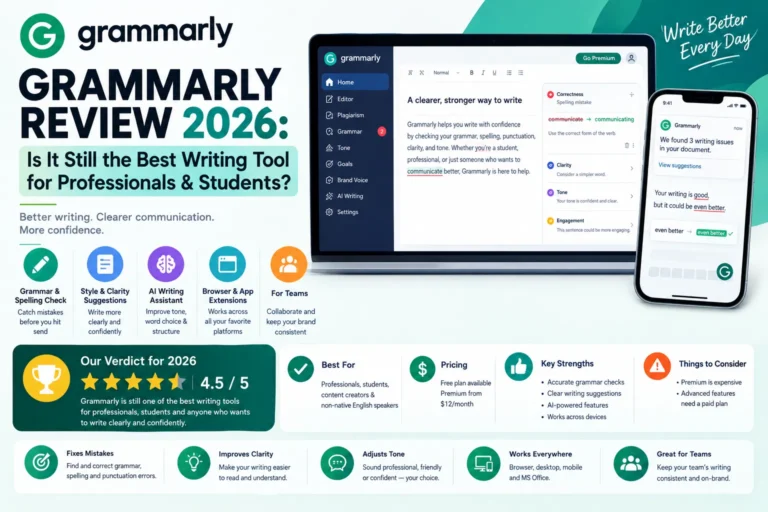
For a deeper breakdown of what Grammarly’s free plan does and doesn’t include, our full Grammarly Review covers the Pro upgrade in detail.
Pros and Cons — Grammarly vs QuillBot
Grammarly pros: best-in-class grammar and tone suggestions, unlimited plagiarism checking on Pro, works across nearly every writing surface (browser, desktop, mobile, MS Office).
Grammarly cons: pricier on both monthly and annual billing, paraphrasing is limited to sentence-level rewrites, no free trial for Pro without a card on file.
QuillBot pros: best-in-class paraphrasing with 9 modes, AI detector included free, lower annual price, strong for multilingual rewriting.
QuillBot cons: plagiarism checking is capped even on Premium, grammar suggestions are less detailed than Grammarly’s, no dedicated enterprise security tier the way Grammarly has.
Grammarly vs QuillBot: Which One Should You Use?
The honest answer depends on what you’re actually doing most days. If your business runs on original content — client emails, proposals, blog drafts — Grammarly’s grammar and tone coaching pays for itself. If you’re repurposing existing content, summarizing research, or rewriting drafts for different platforms, QuillBot’s paraphrasing tools are the better daily driver. Either way, pairing your writing tool with the right project workflow matters too — see our roundup of productivity tools for small businesses for what else fits alongside it.
| Your Situation | Our Pick |
|---|---|
| Writing original content daily (emails, blogs, proposals) | Grammarly Pro |
| Paraphrasing or rewriting existing text often | QuillBot Premium |
| Student needing citations + summaries + rewriting | QuillBot Premium |
| Small team needing brand-consistent writing | Grammarly Business |
| Budget-conscious solo writer | QuillBot Premium ($10/mo annual) |
| Want both grammar and paraphrasing covered | Grammarly Free + QuillBot Premium |
What Reddit Users Say About Grammarly vs QuillBot
Reddit threads on both tools are active across writing and academic communities. Here’s the recurring sentiment:
- A common sentiment on r/writing is that Grammarly’s suggestions occasionally over-correct stylistic choices, so writers recommend reviewing every suggestion rather than accepting them automatically.
- Frequent feedback on r/college favors QuillBot for reworking dense textbook language into something easier to study from, though users caution against over-relying on it for original analysis.
- Users on r/freelanceWriters regularly mention running both tools in sequence — QuillBot to restructure a rough draft, Grammarly to polish the final grammar pass.
- A recurring theme on r/AcademicWriting is skepticism toward any paraphrasing tool’s ability to reliably pass AI-detection software, regardless of which one is used.
- Common sentiment on r/Grammar favors Grammarly’s free plan alone as “good enough” for most casual writing, with Premium upgrades reserved for professional or high-volume use.
Frequently Asked Questions
Is QuillBot better than Grammarly?
It depends on the task. QuillBot is better for paraphrasing and rewriting; Grammarly is better for grammar checking and tone coaching on original writing. Neither is a strict upgrade over the other — they solve different problems.
Which is cheaper, Grammarly or QuillBot?
QuillBot Premium is cheaper at $10/month billed annually versus Grammarly Pro at $12/month billed annually, as of August 2026. On monthly billing, the gap is larger: QuillBot at $19.95/month versus Grammarly at $30/month.
Can I use Grammarly and QuillBot together?
Yes. Many writers use QuillBot to paraphrase or rework a draft, then run it through Grammarly for a final grammar and tone check. The two tools don’t conflict and both offer browser extensions for a smooth workflow.
Does QuillBot check grammar as well as Grammarly?
QuillBot includes a grammar checker on every plan, including free, but it’s positioned as a supporting feature. For dedicated grammar and tone feedback on original writing, Grammarly is generally considered the stronger standalone tool.
Is QuillBot safe for students to use academically?
QuillBot is safe as a writing aid for restructuring your own sentences and understanding source material, but it isn’t designed to bypass plagiarism or AI-detection tools, and shouldn’t be used that way. Always check your institution’s specific policy on AI writing tools before submitting coursework.
Final Verdict: Grammarly vs QuillBot 2026
In short: Grammarly and QuillBot aren’t really competing for the same job. Grammarly is the stronger choice for polishing original writing with grammar and tone feedback. QuillBot is the stronger choice for paraphrasing, rewriting, and reworking existing text at a lower price. If your budget allows, running Grammarly’s free plan alongside QuillBot Premium covers both needs without much overlap in cost.
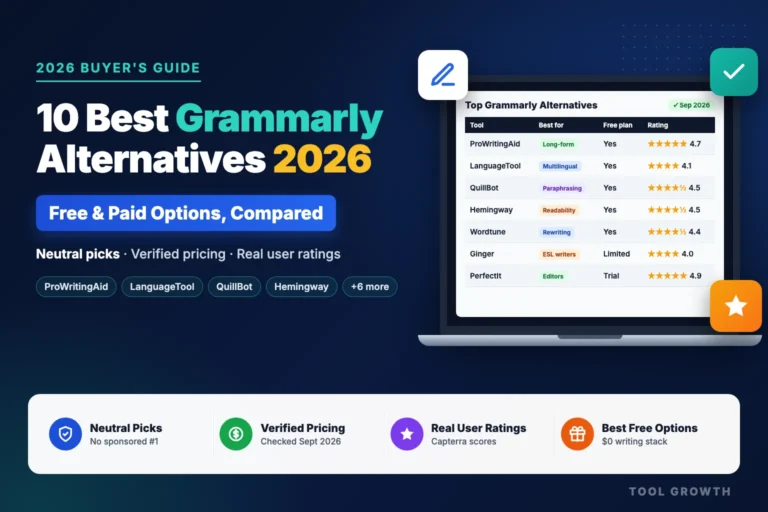
If neither tool is quite the right fit, our guide to the best Grammarly alternatives compares ProWritingAid, LanguageTool, Hemingway and more, with verified prices and free plans side by side.
Once your writing tool is sorted, the next bottleneck for most small businesses is getting that content found — our guide to the best SEO tools for small business covers the keyword research and optimization side of the equation.