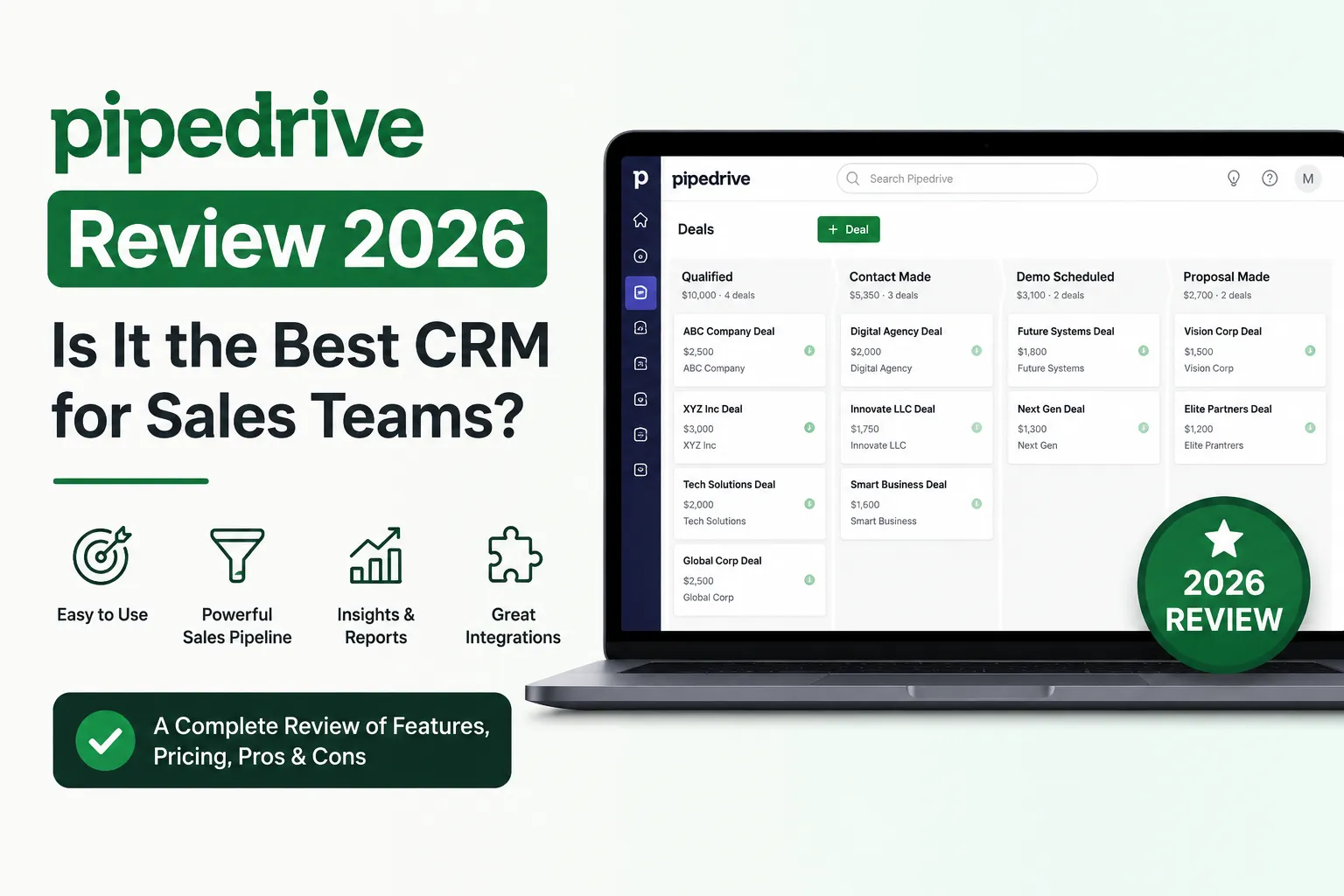
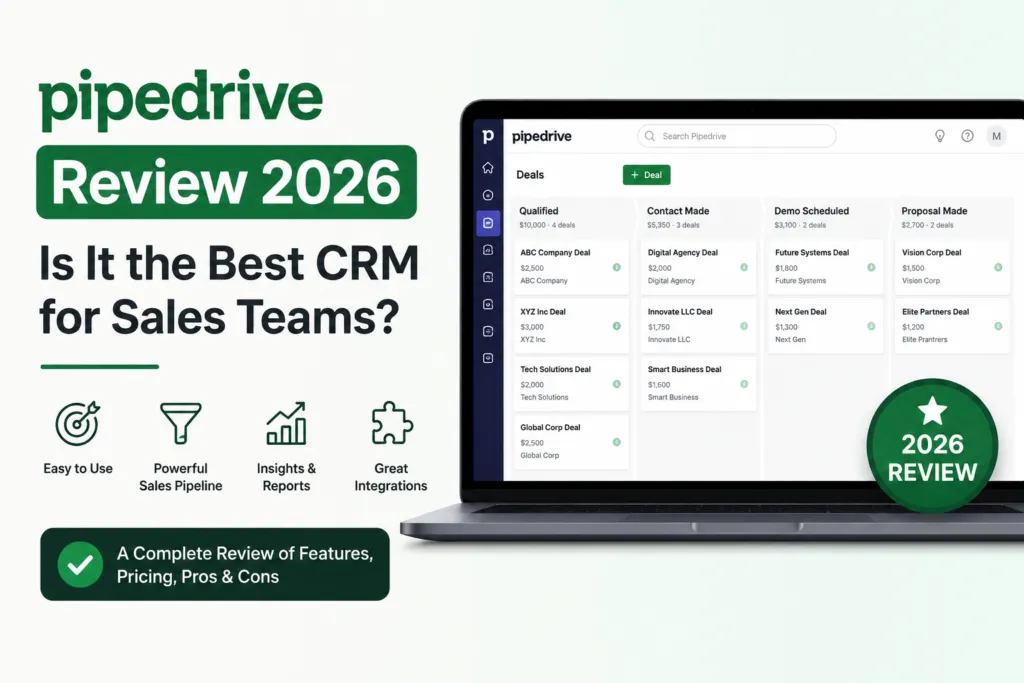
In this Pipedrive review, we found Pipedrive to still be the best sales-focused CRM in 2026 for small and mid-sized sales teams. The visual pipeline is excellent, setup takes under 20 minutes, and pricing starts at $14/user/mo
Is Pipedrive still the best CRM for sales teams in 2026 — or have HubSpot, Zoho, and Freshsales finally caught up?
Honestly, I tested Pipedrive on ennovanest.com to track wholesale and B2B leads for nearly six months. This review of pipedrive answers the question every small business owner is asking: is Pipedrive worth the monthly cost in 2026, or are free CRMs finally good enough?
Furthermore, the pipedrive software review in 2026 reveals a clear pattern. Specifically, Pipedrive is outstanding for sales teams and beats every competitor on visual pipeline design and ease of use. However, teams that need email marketing built in often find the add-on costs surprising. Consequently, the right answer depends on what you actually need from your CRM.
1. What is Pipedrive? — Quick Overview
Pipedrive was launched in 2010 in Tallinn, Estonia by five sales pros and one web developer. Additionally, it now powers over 100,000 companies across 179+ countries — making it one of the most trusted sales CRMs in the world. The core idea is simple: build a CRM that salespeople actually want to use.
Furthermore, that focus on salespeople is Pipedrive’s biggest strength. Specifically, the visual pipeline (Kanban-style) lets you drag and drop deals between stages — no clicking through endless menus. Consequently, reps spend more time selling and less time updating records.
Moreover, this pipedrive software review covers everything you need to know in 2026. Notably, Pipedrive now offers AI features, email automation, lead scoring, and a powerful mobile app. As a result, it competes head-to-head with HubSpot, Zoho, and Salesforce — but at a much lower entry price.
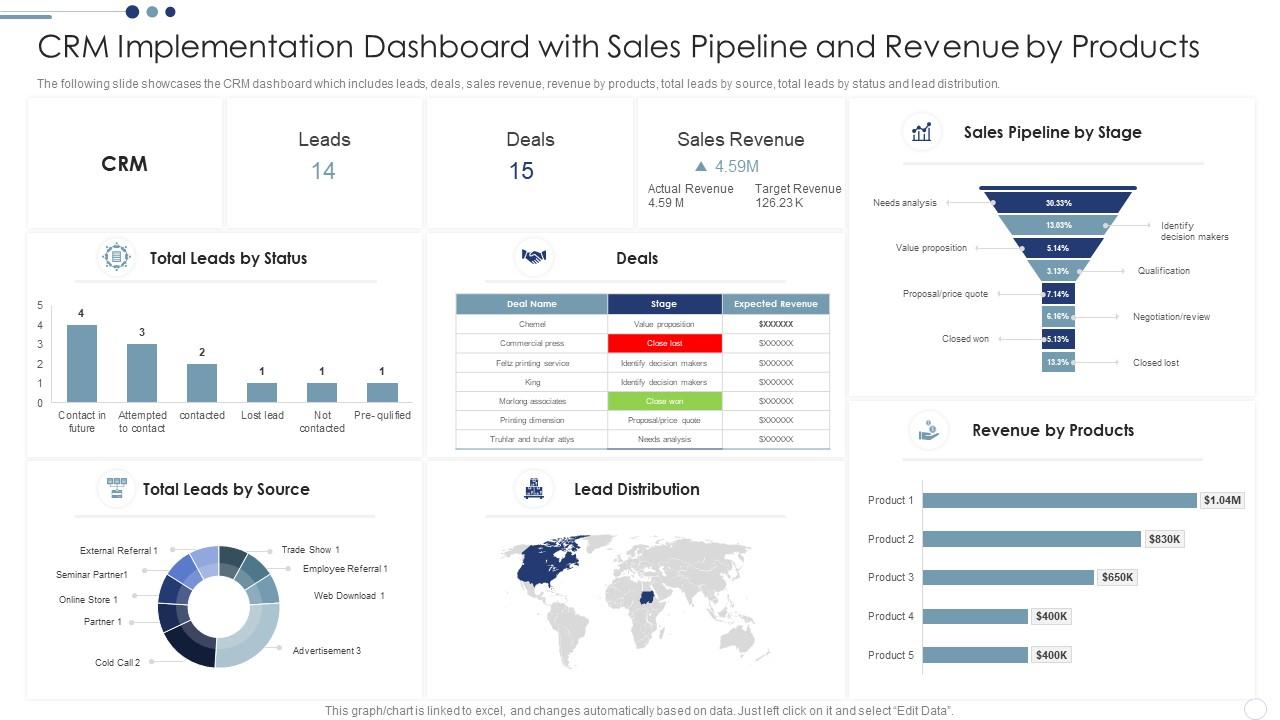
- Visual Sales Pipeline — drag-and-drop Kanban board for deals
- Contact Management — unlimited contacts on every plan
- Email Sync — two-way Gmail/Outlook sync (Growth plan+)
- AI Sales Assistant — smart deal suggestions and forecasts
- Mobile App — full CRM on iOS and Android
- 400+ Integrations — Zapier, Slack, Mailchimp, and more
2. Pipedrive Review 2026 — My Honest Experience
When I first set up Pipedrive for ennovanest.com, I had a working sales pipeline live in under 20 minutes. Furthermore, this pipedrive review 2026 confirms what most sales reps already know — Pipedrive simply works. Importantly, the visual pipeline, contact import, and Gmail sync all feel polished in a way most CRMs miss.
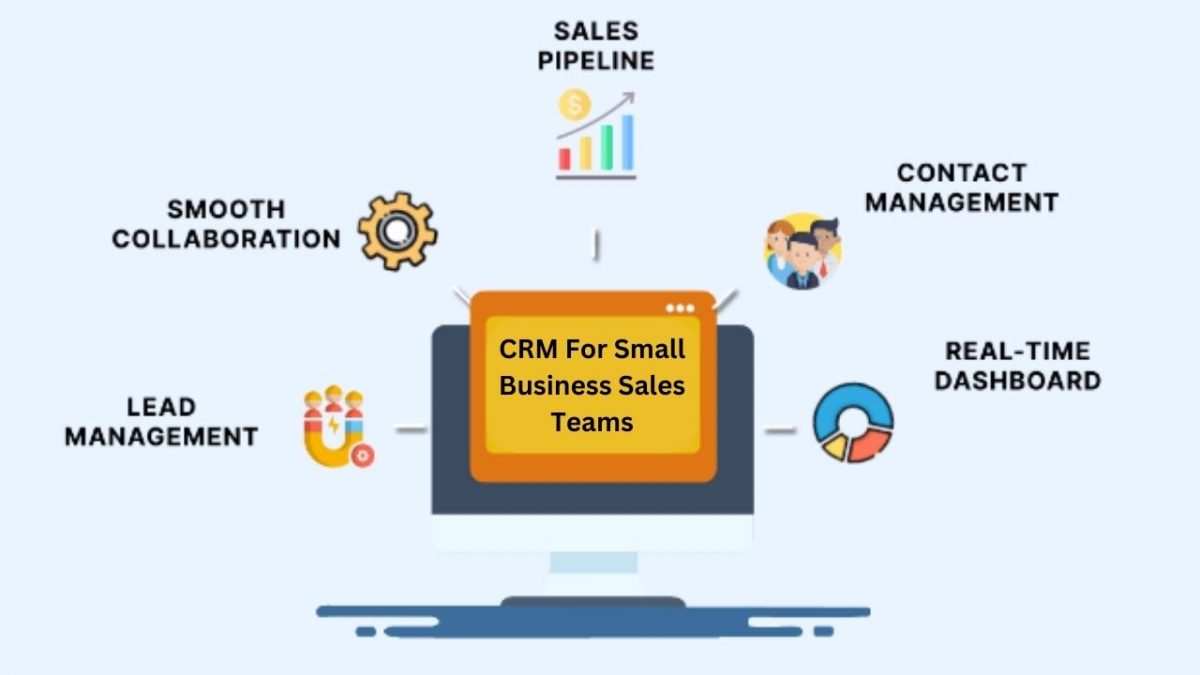
That said, I quickly learned the real cost is not $14/user/month. Specifically, my setup needed Growth plan ($24/user), LeadBooster add-on ($32.50/mo), and Campaigns add-on ($13/mo). Consequently, for a 3-person team the realistic monthly cost is closer to $120-$150.
Moreover, the pipedrive review across forums shows the same pattern. Indeed, sales teams love the pipeline view but complain about add-on pricing. However, no other CRM matches Pipedrive’s clean interface — and that’s why I still recommend it for sales-first teams.
Pipedrive Free Trial vs Paid — Comparison Table
| Feature | Free Trial (14 days) | Lite Plan ($14/user/mo) |
| Full CRM Access | Yes | Yes |
| Visual Pipeline | Unlimited | Unlimited |
| Contacts & Deals | Unlimited | Unlimited |
| Custom Fields | 30 | 30 |
| Email Sync | Trial of any plan | Not included |
| Automations | Trial of any plan | Not included |
| AI Sales Assistant | Trial of any plan | Not included |
| Mobile App | Yes | Yes |
| Credit Card Needed | No | Required |
| Best For | Testing the platform | Solo sellers, freelancers |
In my experience: For most new sales teams, the Growth plan at $24/user/month is the smarter starting point — not Lite. Specifically, Lite is missing email sync and automations, which are the two features that save the most time. Therefore, use the 14-day free trial on the Growth plan, set up your pipeline, and only downgrade to Lite if budget is tight.
Looking for more options before you commit? Our guide to the best CRM tools for small businesses in 2026 covers HubSpot, Zoho, Freshsales, and more — all compared side-by-side with Pipedrive.
3. Pipedrive CRM Review — Features Breakdown
This pipedrive crm review covers the features that actually matter for sales teams. Furthermore, Pipedrive includes everything you need to run a sales pipeline without the marketing bloat that slows down CRMs like HubSpot. Consequently, reps stay focused on closing deals.
Additionally, the feature set scales smartly across plans. Specifically, Lite gets you the basics, Growth adds email sync and automation, Premium adds forecasting and Smart Docs, and Ultimate unlocks unlimited reports. Therefore, you only pay for what you actually use.
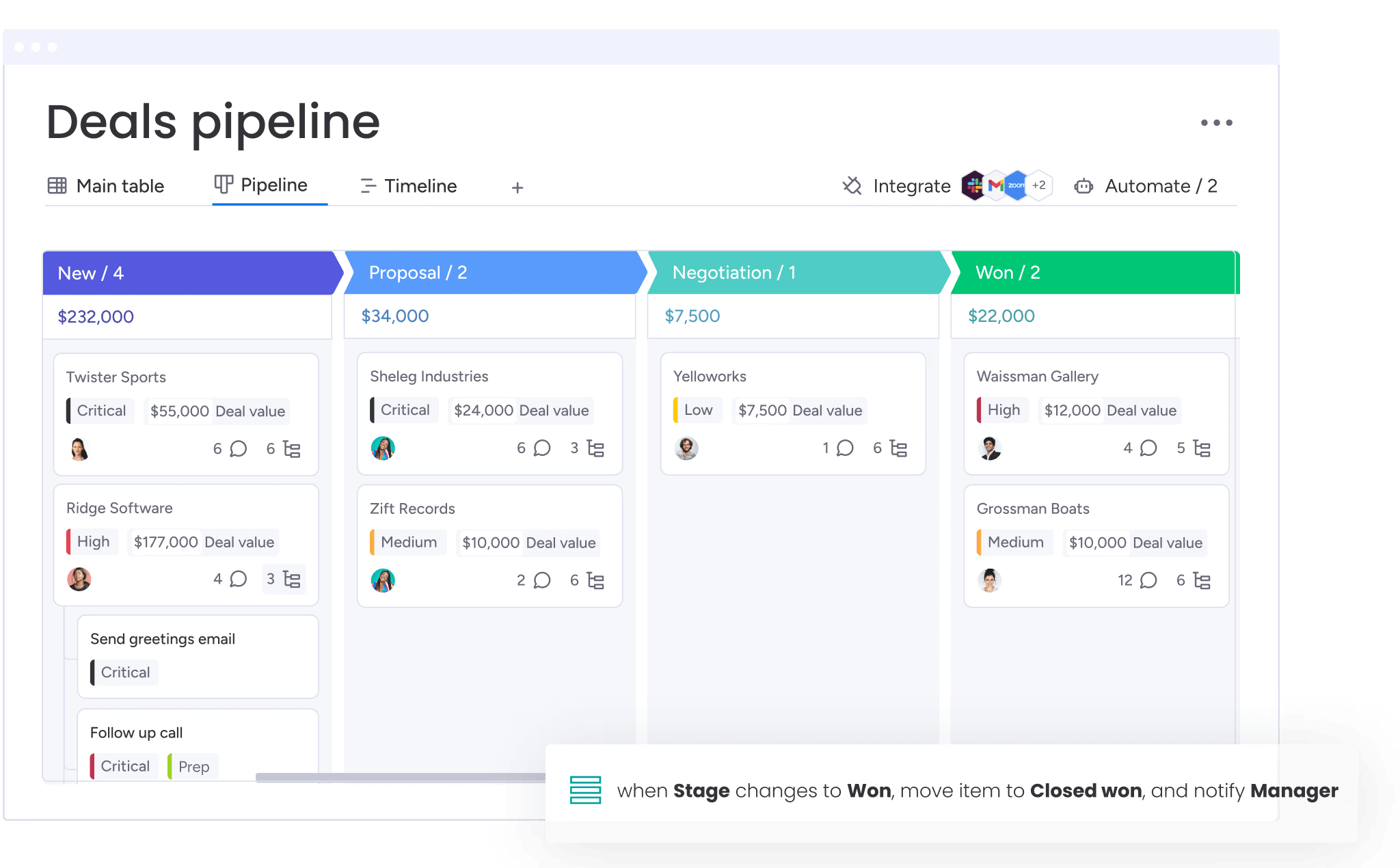
- Visual Pipeline — drag deals between stages, customizable per team
- Activity Tracking — calls, emails, meetings logged automatically
- Sales Reports — pipeline, forecast, and conversion reports built in
- Workflow Automation — auto-assign deals, send follow-ups, update fields
- Smart Docs — quotes, contracts, and proposals (Premium+)
- Caller — built-in click-to-call with recording (paid add-on)
- AI Sales Assistant — deal suggestions and forecasts (Premium+)
- SSO + 2FA — security built into every plan
My honest take: The visual pipeline alone is worth the price. Furthermore, dragging deals between stages takes one second — in HubSpot or Salesforce it takes 3-4 clicks. As a result, sales reps actually update Pipedrive, which means your sales data stays accurate. Consequently, the pipedrive crm review verdict is simple: best-in-class pipeline management.
4. Pipedrive Campaigns Review — Email Marketing Worth It?
The pipedrive campaigns review is honest: Campaigns is a basic email marketing add-on, not a full marketing platform. Specifically, it costs $13/month extra and includes drag-and-drop email design, segmentation, and basic automation. However, it’s not in the same league as Mailchimp, Brevo, or ActiveCampaign.
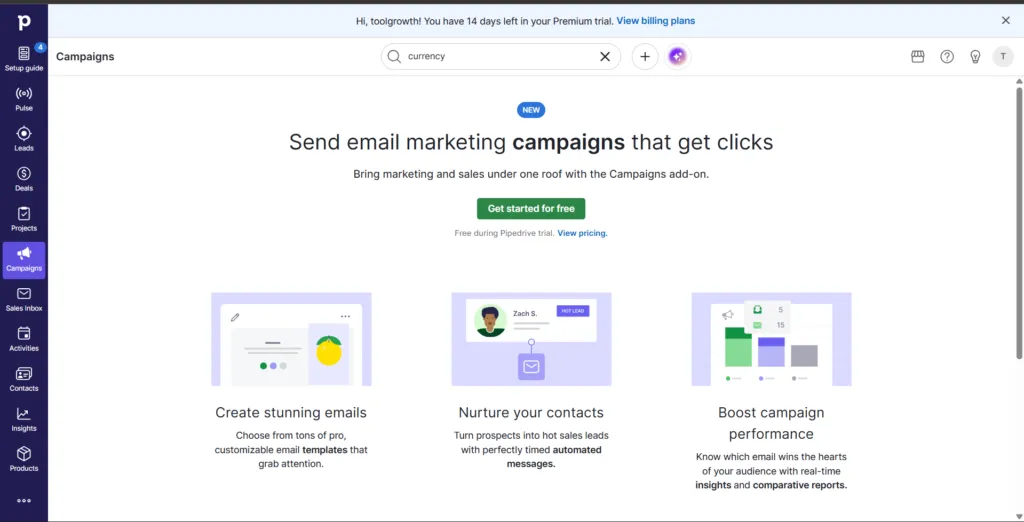
Activate Campaigns?
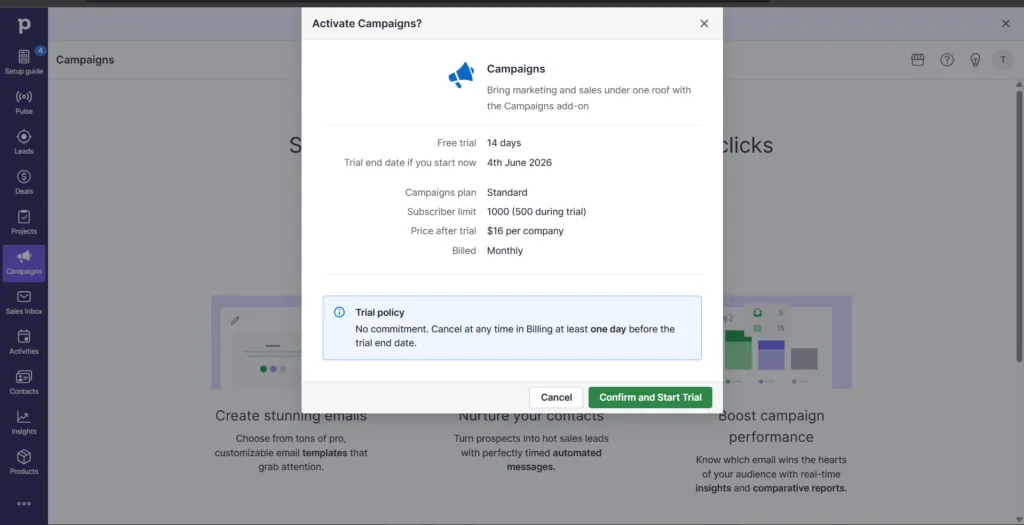
Once you click on “Activate Campaigns,” Pipedrive will show you the Campaigns trial details.
- You’ll get a 14-day free trial to test the email marketing features.
- If you start today, your trial will end on 4th June 2026.
- During the trial, you can use up to 500 subscribers to test your campaigns.
- After the trial ends, the Campaigns add-on costs $16 per month per company.
- The best part is you can cancel anytime before the trial ends, so there’s no long-term commitment.
Furthermore, the value of Campaigns depends on how much email marketing you actually do. Specifically, if you send 1-2 newsletters per month to your CRM contacts, Campaigns is perfect. Consequently, you avoid paying for a separate tool. However, if email marketing is core to your strategy, a dedicated platform is the better choice.
Additionally, the pipedrive email marketing review shows one big advantage: native CRM integration. In other words, every email open, click, and bounce updates the contact automatically in your sales pipeline. Therefore, reps see exactly which leads are engaged — without switching tabs.
- Native CRM sync — opens, clicks, bounces update contacts automatically
- Drag-and-drop email builder — easy template design
- Segmentation — send to filtered contact lists
- Basic automation — welcome sequences, re-engagement flows
- Limited templates — fewer than Mailchimp or Brevo
- No advanced workflows — no behavioral triggers like Brevo
- Paid add-on — $13/month on top of your plan
Need serious email marketing? Our guide to the best email marketing tools for small businesses covers Brevo, Mailchimp, MailerLite, and more — many of which integrate with Pipedrive.
5. Pipedrive LeadBooster Review — Is It Worth Adding?
The pipedrive leadbooster review is more interesting than people expect. Specifically, LeadBooster is a lead generation add-on that bundles four tools: Chatbot, Live Chat, Web Forms, and Prospector. Furthermore, on the Premium and Ultimate plans, LeadBooster is now included — no extra cost.
Additionally, on the Lite and Growth plans, LeadBooster costs $32.50/month per company (not per user). Consequently, for a 3-person sales team it’s actually affordable. However, you’ll also need to budget for Web Visitors ($41/month) if you want full website tracking.
Honestly, LeadBooster shines for active outbound sales teams. Specifically, the Chatbot captures leads 24/7, Web Forms feed directly into your pipeline, and Prospector finds verified B2B contacts. Therefore, if you’re running cold outbound or B2B sales, LeadBooster pays for itself fast.
- Chatbot — capture website leads 24/7 without staff
- Live Chat — real-time conversations with hot leads
- Web Forms — embed lead-capture forms on any page
- Prospector — search 400M+ verified B2B contacts
- Price: $32.50/mo per company on Lite/Growth
- Included free on Premium and Ultimate plans
| In my experience For inbound stores like ennovanest, LeadBooster is overkill — the Chatbot alone gets used more than the rest. However, for B2B agencies or sales teams doing active outbound, Prospector alone justifies the cost. Therefore, my advice: skip LeadBooster on Lite, but absolutely use it if you upgrade to Premium (since it’s already included). |
6. Pipedrive Pricing — Is It Worth the Cost?
This pipedrive crm software review section starts with the headline numbers: 4 plans, all per user per month, billed annually. Furthermore, monthly billing costs 30-50% more — so annual is always the smart choice. However, the real cost requires looking at add-ons too.
Additionally, Pipedrive has no free plan in 2026 — only a 14-day free trial. Specifically, the trial includes full access to whichever plan you select, with no credit card required. Therefore, you can test every feature before paying a single dollar.
| Plan | Monthly Price (Annual) | Best For |
| Lite | $14/user/mo | Solo sellers, freelancers |
| Growth ⭐ | $24/user/mo | Small sales teams (3-15) |
| Premium | $49/user/mo | Scaling teams + forecasting |
| Ultimate | $79/user/mo | Large teams, unlimited reports |
My honest take For 90% of sales teams, the Growth plan at $24/user/month is the sweet spot. Furthermore, the jump from Lite to Growth unlocks email sync and automation — the two features that actually save hours per week. However, if forecasting and Smart Docs matter, Premium ($49) gets you LeadBooster included for free. Consequently, don’t pay for features you won’t use — start small and upgrade as you grow.
Tight budget? Our guide to the best free CRM for small businesses in 2026 covers HubSpot Free, Zoho Free, Bitrix24, and more — all of which are genuine alternatives to paying for Pipedrive.
7. Pipedrive Pros and Cons — Honest Verdict
This pipedrive email marketing review and overall verdict comes from six months of real use. Furthermore, the pros and cons below reflect what actually matters when you use Pipedrive daily — not just feature lists. Therefore, weigh each point against your team size and sales process.
✅ PROS
- Cleanest visual pipeline of any CRM — drag-and-drop deals in one second
- Lowest starting price for paid CRMs — $14/user/mo on annual billing
- Mobile app is genuinely excellent — full CRM access from iOS/Android
- 400+ integrations — Zapier, Slack, Gmail, Outlook, Mailchimp, and more
- AI Sales Assistant — smart deal suggestions and accurate forecasts (Premium+)
- Sales-first design — no marketing bloat, no project-management bloat
- 14-day free trial with no credit card — test every feature risk-free
- Outstanding setup speed — live pipeline in under 20 minutes
❌ CONS
- No free plan — unlike HubSpot, Zoho, and Freshsales which offer free tiers
- Email marketing is a paid add-on — Campaigns costs $13/month extra
- LeadBooster is paid on Lite/Growth — adds $32.50/month per company
- Limited reporting on Lite plan — upgrade required for proper analytics
- Not built for marketing automation — HubSpot wins here
- Web Visitors add-on is pricey — $41/month for website tracking
- Customer support is slower on Lite — priority support requires higher plans
- Real monthly cost is $80-$150 for small teams — not just $14
8. Who Should Use Pipedrive in 2026?
Honestly, Pipedrive is not for everyone — and that’s actually its strength. Specifically, it’s purpose-built for one job: managing a sales pipeline. Consequently, sales teams love it and marketing-heavy teams often outgrow it.
Furthermore, the pipedrive project management review side of things is limited. Specifically, Pipedrive now offers a Projects feature (Premium+) for managing post-sale work, but it’s basic compared to ClickUp or Asana. Therefore, use Pipedrive for sales — and a dedicated tool for project work.
✅ BEST FOR
- Small and mid-sized sales teams (5-50 people)
- B2B sellers and outbound sales teams
- Agencies tracking client deals and renewals
- Freelancers managing 10+ active leads
- Shopify and eCommerce brands tracking wholesale inquiries
❌ NOT FOR
- Marketing-heavy teams needing built-in automation
- Free-CRM seekers (Pipedrive has no free plan)
- Solo sellers managing under 5 leads per month
- Pure eCommerce stores with no sales pipeline
- Teams that need deep project management features
Using Pipedrive for sales? Pair it with a dedicated project management tool. Our guide to the top 7 best project management tools for small businesses in 2026 covers ClickUp, Asana, monday.com, and more — all of which integrate with Pipedrive.
9. Pipedrive Review Reddit — What Real Users Say
Looking at pipedrive review reddit threads across r/sales, r/CRM, and r/smallbusiness, the sentiment is mostly positive. Furthermore, sales reps consistently praise Pipedrive for the pipeline view and ease of use. In fact, many call it ‘the CRM I actually use’ compared to Salesforce.
However, the most common Reddit complaint is add-on pricing. Additionally, no free plan draws frequent frustration — especially when HubSpot and Zoho offer free tiers. Nevertheless, most Redditors still recommend Pipedrive for pure sales teams under 50 people.
The recurring themes we saw in these discussions (paraphrased, not direct quotes):
- Sales teams on r/sales often say Pipedrive is the CRM their reps actually keep updated — and that this is where its value comes from.
- Some users who moved from HubSpot Free to a paid Pipedrive plan say the visual pipeline helped them close more deals.
- Users scaling lead generation often point to LeadBooster, included on the Premium plan, as the reason to choose that tier.
- A common complaint is the lack of a free plan, softened by the full-featured 14-day trial with no credit card required.
- The mobile app gets consistent praise, with some reps using it more than the desktop version.
11. Final Verdict — Our Pipedrive Review Rating
| Category | Rating | Score |
| Ease of Use | ★★★★★ Cleanest pipeline in any CRM | 5.0 / 5 |
| Sales Features | ★★★★★ Built for sales reps, by sales reps | 4.9 / 5 |
| Mobile App | ★★★★★ Best-in-class CRM mobile experience | 5.0 / 5 |
| Email Marketing | ★★★☆☆ Basic, needs the add-on | 3.5 / 5 |
| Pricing Fairness | ★★★★☆ Cheapest entry, add-ons add up | 4.0 / 5 |
| Integrations | ★★★★★ 400+ apps, including Shopify | 4.8 / 5 |
| Customer Support | ★★★★☆ Solid, faster on higher plans | 4.2 / 5 |
| OVERALL | ★★★★☆ Highly Recommended for Sales Teams | 4.3 / 5 |
After Six Months
After six months of using Pipedrive on ennovanest.com, my conclusion is clear: Pipedrive is still the best sales-focused CRM available in 2026. Furthermore, the visual pipeline, mobile app, and 400+ integrations simply have no real competitor at this price point. As a result, sales teams continue to choose Pipedrive even when free alternatives exist.
However, be honest about your budget. Specifically, if your real monthly cost will hit $100-$150 (plan + LeadBooster + Campaigns), and you can’t generate revenue to cover it within 3 months, you may want to start with a free CRM instead. Consequently, paying for Pipedrive when you’re not ready to commit to sales activity is paying for the wrong tool.
Therefore, my recommendation: if you’re serious about building a real sales process, start with Pipedrive’s 14-day free trial today. Specifically, test the Growth plan, set up your pipeline, and see how much time it saves in week one. Additionally, the no-credit-card trial means zero risk. As a result, by the time you decide to subscribe, your pipeline should already be generating closed deals.
| ✅ Best plan to start: Lite ($14/user/mo) — perfect for solo sellers and freelancers ✅ Best upgrade: Growth ($24/user/mo) — once you need email sync and automation ✅ Best for scaling: Premium ($49/user/mo) — LeadBooster included free ✅ Best feature most ignore: 14-day full-access free trial — no credit card needed |
New to CRMs? Start with our beginner’s guide to what is CRM software — it covers everything you need to know before picking a tool like Pipedrive.